Module: Audit Desk
Purpose: To add an additional field in findings and observations in AuditDesk actions screen
To Access: Admin Module > Optional Audit Desk Fields
You can customise the Findings & Observations section of the Audit Action screen to include additional fields for data input - see below for example:
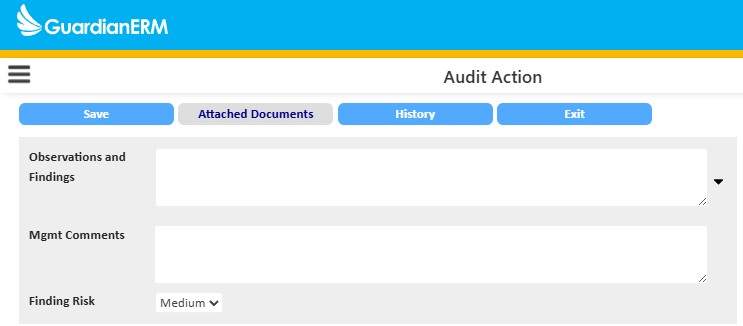
Navigate to Admin Module > User Definable Fields. Enter a field label and enable each additional field you want to display:
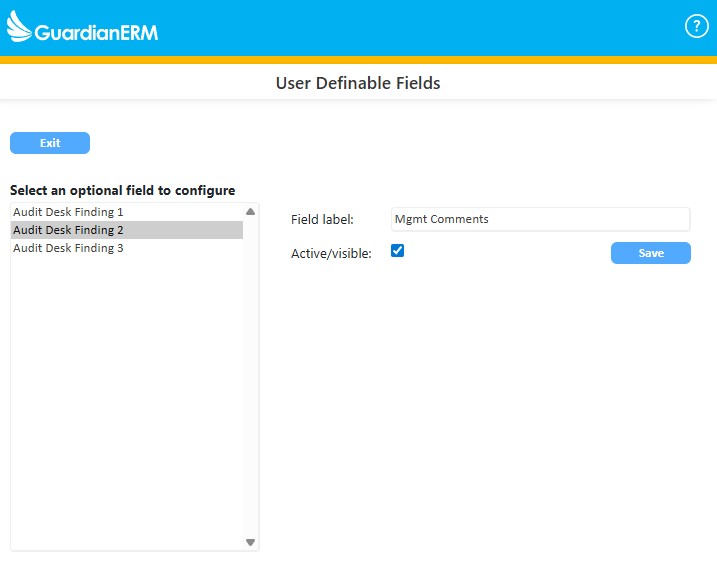
Note: A maximum limit of 3 fields can be displayed in the Findings & Observations section.
See also: