Module: System Lists
Purpose: To customise and configure dropdown list input fields in the Audit Desk Module.
To Access: Admin Module > System Lists
Navigate to the admin module and the system list screen:
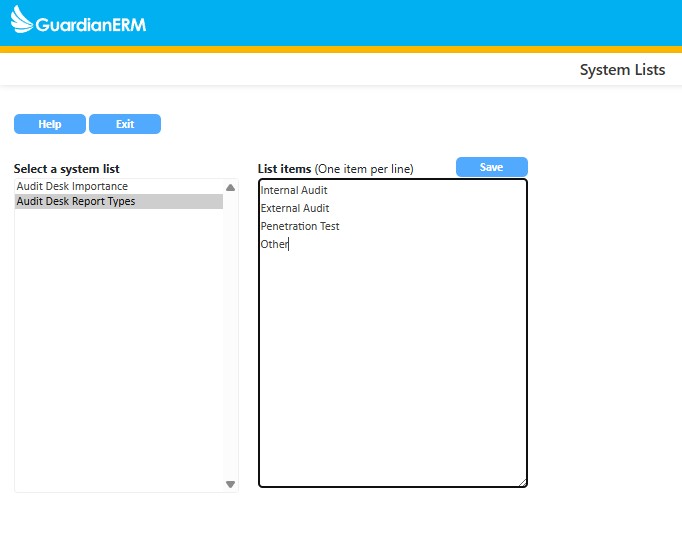
Audit Desk Importance field controls the risk rating labels in Audit Desk. Defaults are Low, Medium, High & Critical. To edit, enter each option on a new line in the List Items box on the right.
The Audit Desk Report Type field controls report categorization. Defaults are Internal Audit & External Audit. To edit, enter each option on a new line in the List Items box on the right.
See also: